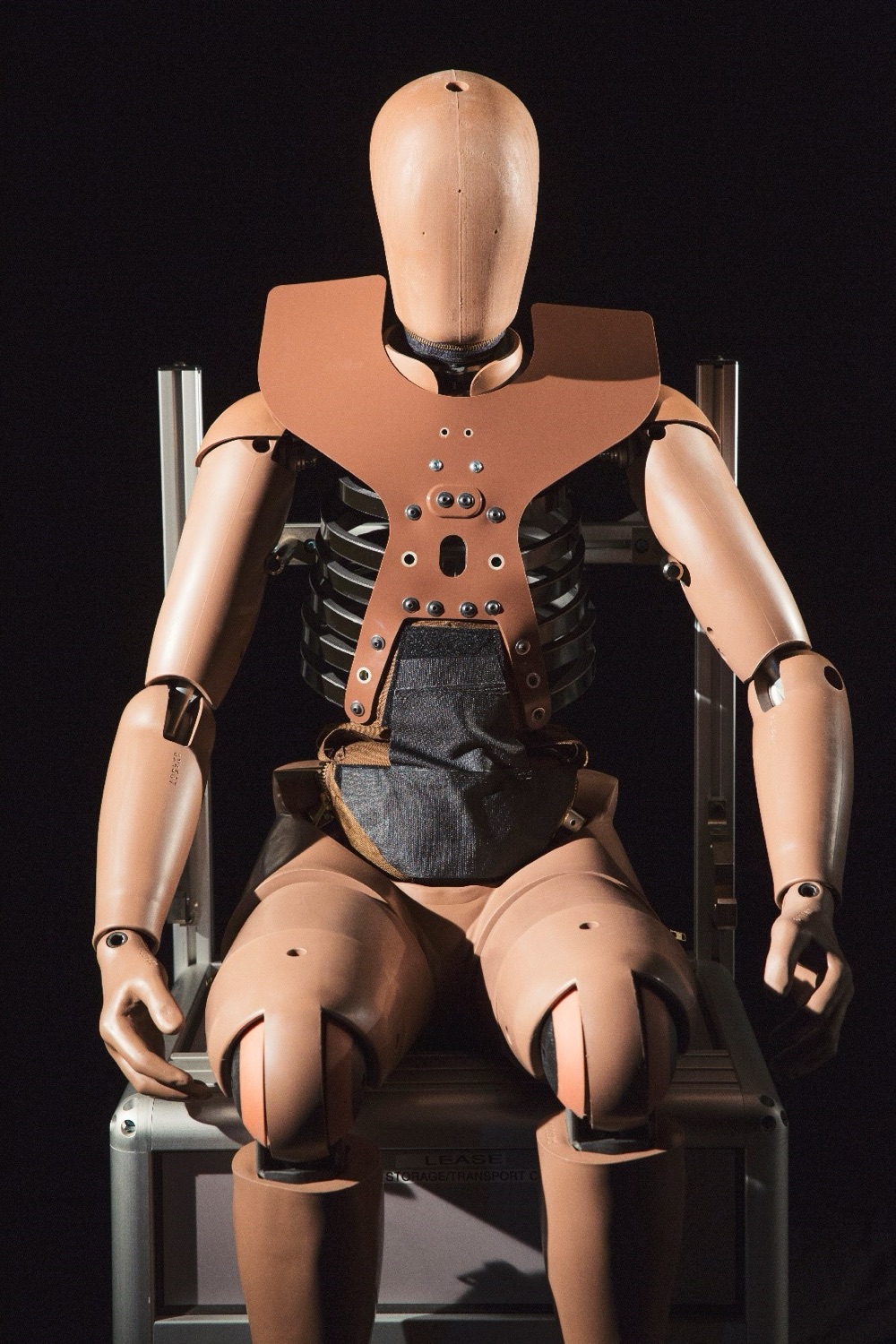
Happy Room is a physics sandbox with a dark sense of humour. You are handed an empty white laboratory, a supply of tough test clones and a growing catalogue of devices: blades, guns, rockets, energy weapons and, eventually, a black hole. You fit the room out, let the clone drop in and watch the ragdoll physics take over. This guide covers what the game is, how to play it with a mouse, how the progression works and why one release can feel so different from the next.
Happy Room in brief
- Genre
- Ragdoll physics sandbox, single player
- Developer and publisher
- Mana Potion Studios
- Steam release
- 19 December 2016
- Platforms
- Windows, macOS and Linux (SteamOS)
- Controls
- Mouse, with a few keyboard shortcuts
- Content
- Cartoon-style gore; the store page itself describes it as simplified
- This site
- An independent guide. We do not host the game.
What Happy Room is
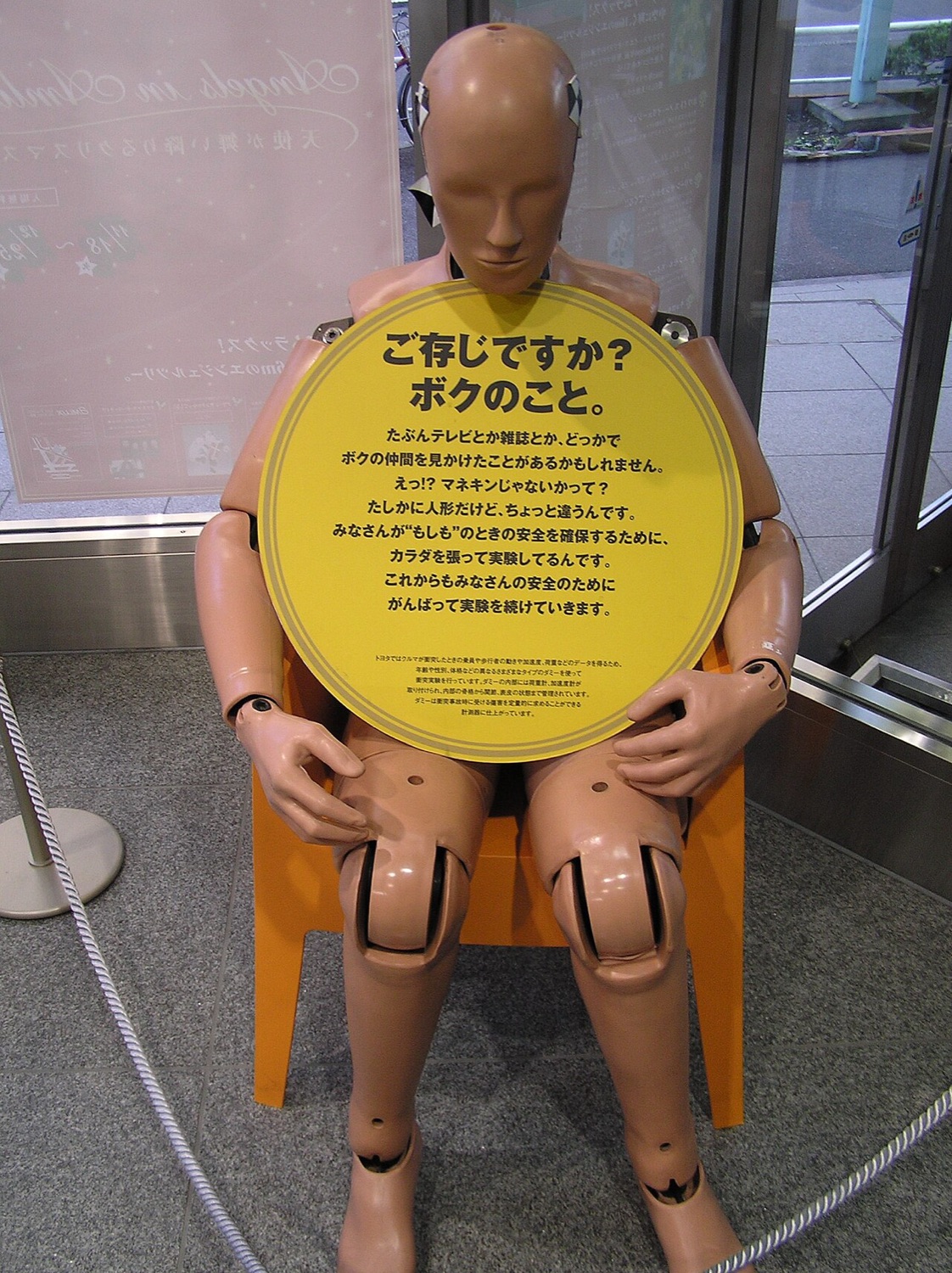
The premise is set out in the first minute. A laboratory needs to test weapons and traps, and to do that it has produced clones of a test subject. The clones are disposable, so you are free to be inventive. The old version of this website welcomed visitors with roughly that line: different weapons and traps are tested in this lab, the clones neither feel nor suffer, and you can combine everything from melee tools and explosives to firearms and a black hole. Its closing request was simply to have fun and not be too cruel.
The Steam store listing for the game, published by Mana Potion Studios, describes the same idea: run lab tests on durable human clones using melee, energy and firearm weapons, plus a black hole, and combine them however you like. The game is single-player and comes with Steam achievements, trading cards and cloud saves.
That makes Happy Room part of a long line of "ragdoll toy" games. There is no story to finish and no enemy to beat. The fun is in the cause and effect: you build a contraption, release the subject and see whether the result matches what you had in mind. If you want the background to that genre, our explainer on ragdoll physics games traces it from late-1990s shooters to modern sandboxes.
How to play Happy Room with the mouse
The original site summed up the controls in one sentence, and it still holds: use your mouse to choose and place traps and weapons, then press the play button at the bottom of the screen to let the dummy fall. In practice a session runs like this:
- Pick a device. Open the weapon panel and choose an item. Early on you only have a few cheap tools; more appear as you progress.
- Place it. Click on a wall, the floor or the ceiling of the chamber to mount the device. Positions matter more than you might expect, because the clone falls from the top and bounces.
- Aim and adjust. Many devices can be rotated so they face the drop zone. Firearms and launchers are only as good as their angle.
- Release the clone. Press play. The subject drops into the room and the physics engine handles everything from that point on.
- Watch the tally. Damage is counted as it happens. Good runs earn more of the in-game reward used to unlock and upgrade devices.
- Reset and refine. Move one device, change an angle and try again. Most of the game is this loop.
Because everything runs from the mouse, Happy Room is easy to pick up. It is also forgiving: nothing is lost by a bad run except a few seconds.
Progression: challenges, unlocks and upgrades
A pure sandbox can lose its pull quickly, so Happy Room adds goals. Challenges ask for a certain result, for example a target amount of damage or a particular kind of outcome, and completing them moves you forward. Reviews at the time noted that some challenges are surprisingly hard, because physics never behaves exactly the same way twice. A layout that hit the target once may fall just short on the next try.
Rewards earned in runs pay for new devices and improvements to the ones you already own. The order you unlock things in shapes your play: a player who invests in blades early will build very different rooms from one who saves for explosives. Updates after launch added more devices and, according to coverage in late 2018, a further game mode and a way to save a short GIF of a run.
Device families at a glance
| Family | What it does | Best use |
|---|---|---|
| Melee and blades | Cut or knock the subject on contact | Lining the walls and floor where the clone lands |
| Firearms | Fire at the subject on a set line | Covering the drop path from the side walls |
| Explosives | Push and break in a radius | Launching the clone into other devices |
| Energy weapons | Sustained beams or bursts | Holding the subject in one place |
| Black hole | Pulls everything towards a point | Gathering the clone, and debris, into a kill zone |
Item names and exact stats have shifted between versions, so treat this as a map of the families rather than a list of every tool. Our trap and weapon combos guide shows how the families work together.
Why every drop feels like a spin of the reels
Happy Room is not a gambling game: nothing is staked and the rewards cannot be cashed out. But anyone who has stood at a slot machine or watched a Plinko chip fall on television will recognise the feeling of the release button. You commit to a set-up, press one button, and for a few seconds the result is out of your hands. The clone drops, clips a blade, ricochets off a mine and either lands in your kill zone or tumbles harmlessly into a corner. Then a number appears.
The difference is where the uncertainty comes from. A physics engine is deterministic in principle, but tiny changes in where a limb touches a surface grow quickly, so outcomes look random. A slot machine is the opposite: the outcome is decided by a random number generator the instant you press spin, and the reels are only an animation of a result that already exists. We explain both mechanisms, and why a Plinko board sits somewhere in the middle, in the physics and RNG behind slots and Plinko.
The reward loop is also familiar. Short rounds, a visible tally, an upgrade that is always just a few runs away: these are the same building blocks that casino designers and mobile studios use to keep players pressing the button. Our feature on variable rewards in casinos and mobile games looks at how those loops work and how to spot them.
Happy Room in the browser
Happy Room itself has been a downloadable Steam game since 2016. In 2017 and 2018, when this website ran as a fan portal, it explained that the full game was on Steam and pointed visitors to older browser ragdoll toys in the same spirit, which ran in Adobe Flash. Those Flash games stopped working in standard browsers when Flash reached its end of life at the close of 2020; we tell that story in the death of Flash. Many "Happy Room online" pages still circulate today, but they are usually unrelated games or unofficial copies, so check who made what you are playing. The safest place to get the game is its official store page.
Quick tips for new players
- Build the landing zone first. The clone almost always ends up on the floor, so devices there get the most contact time.
- Change one thing at a time. Physics is chaotic. If you move three devices at once you will not know which one helped.
- Use pushers to feed hitters. Explosives and launchers are most useful when they throw the subject into something else.
- Re-run promising layouts. A good room can score badly once by bad luck. Give it a few drops before you rebuild it.
For the history of the game and the studio, read the story of Happy Room and Mana Potion Studios.
Frequently asked questions
Is Happy Room free to play in a browser?
Happy Room is a paid downloadable game on Steam for Windows, macOS and Linux. Pages offering a free browser version are usually unrelated games or unofficial copies.
Who made Happy Room?
The Steam version is developed and published by Mana Potion Studios and was released on 19 December 2016.
How do you play Happy Room?
Use the mouse to choose weapons and traps, place them on the walls, floor or ceiling of the lab, then press play to release the test clone and watch the physics.